Introduction
Mini computers have transformed the computing landscape, offering power and versatility in compact forms. These devices are an ideal solution for those seeking a balance between desktop and laptop functionalities. With built-in WiFi, mini computers have become even more appealing, seamlessly connecting to the internet for various needs, from professional tasks to entertainment.
With their compact design and efficient operation, mini computers continue to gain popularity. This guide will walk you through the key features of mini computers with WiFi, present top models for 2024, and provide practical advice on selecting and setting up your ideal device.
What is a Mini Computer?
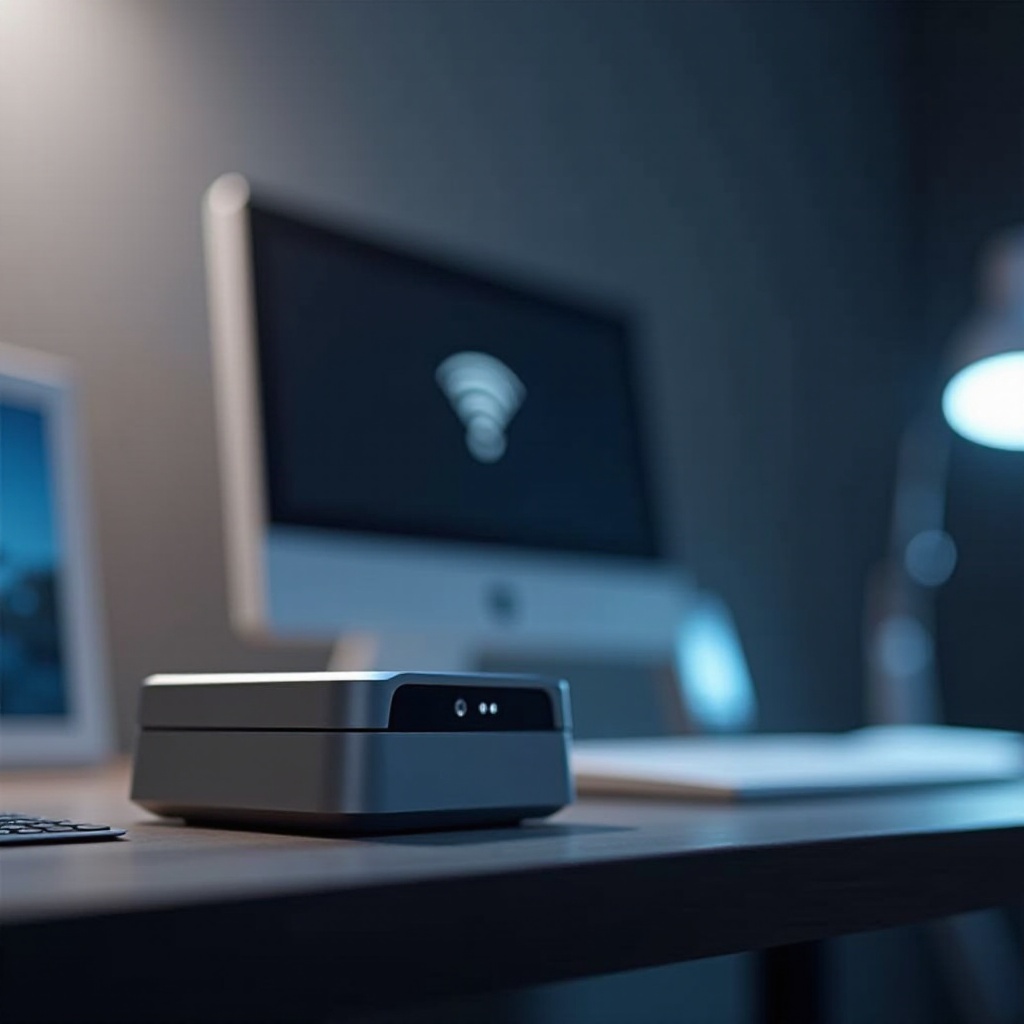
Mini computers, also known as small form factor PCs, are powerful devices that combine the efficiency of desktops with the portability advantages of laptops. They occupy less space but provide robust performance suitable for a wide range of applications, including media streaming, office work, and light gaming.
The evolution of mini computers has been significant, with advances in processing power and connectivity. WiFi integration is one of the most crucial developments, allowing users to enjoy wireless internet access with ease. This feature has made mini computers especially popular among modern tech-users who value flexibility and efficiency.
Key Features of Mini Computers with WiFi
Choosing a mini computer with WiFi comes down to understanding several essential features:
-
Processor and Performance: The CPU is a critical component determining speed and efficiency. Opt for models with the latest processors to ensure smooth multitasking and operation.
-
Connectivity: WiFi 6 and Beyond: Modern mini computers are equipped with WiFi 6, delivering faster speeds and improved connectivity. This feature is crucial for maintaining a seamless online experience, whether for streaming, browsing, or remote working.
-
Size and Portability: One of the significant advantages of mini computers is their compact size, which allows for easy transportation and space-saving in any environment.
These features are foundational for enhancing the functionality and convenience of mini computers, making them a preferred choice for consumers looking for mobility without compromising performance.
Top Mini Computers with WiFi in 2024
The landscape of mini computers in 2024 offers various excellent options with strong WiFi connectivity and impressive performance:
-
Apple Mac Mini with M2 Chip: Ideal for creative professionals, the Mac Mini combines Apple’s M2 chip with robust WiFi capabilities, offering a seamless experience for design and multimedia tasks.
-
Intel NUC 12 Pro: This compact powerhouse offers top-notch performance and is perfect for users needing versatility for various computing applications.
-
ASUS Chromebox 5: An excellent choice for those preferring Chrome OS, it offers smooth browsing and fast WiFi connectivity, suitable for everyday and educational use.
These models exemplify the versatility and capability of mini computers available today, accommodating a range of user needs and preferences.
Benefits of Using Mini Computers with WiFi
Mini computers equipped with WiFi come with distinct advantages that attract diverse users:
-
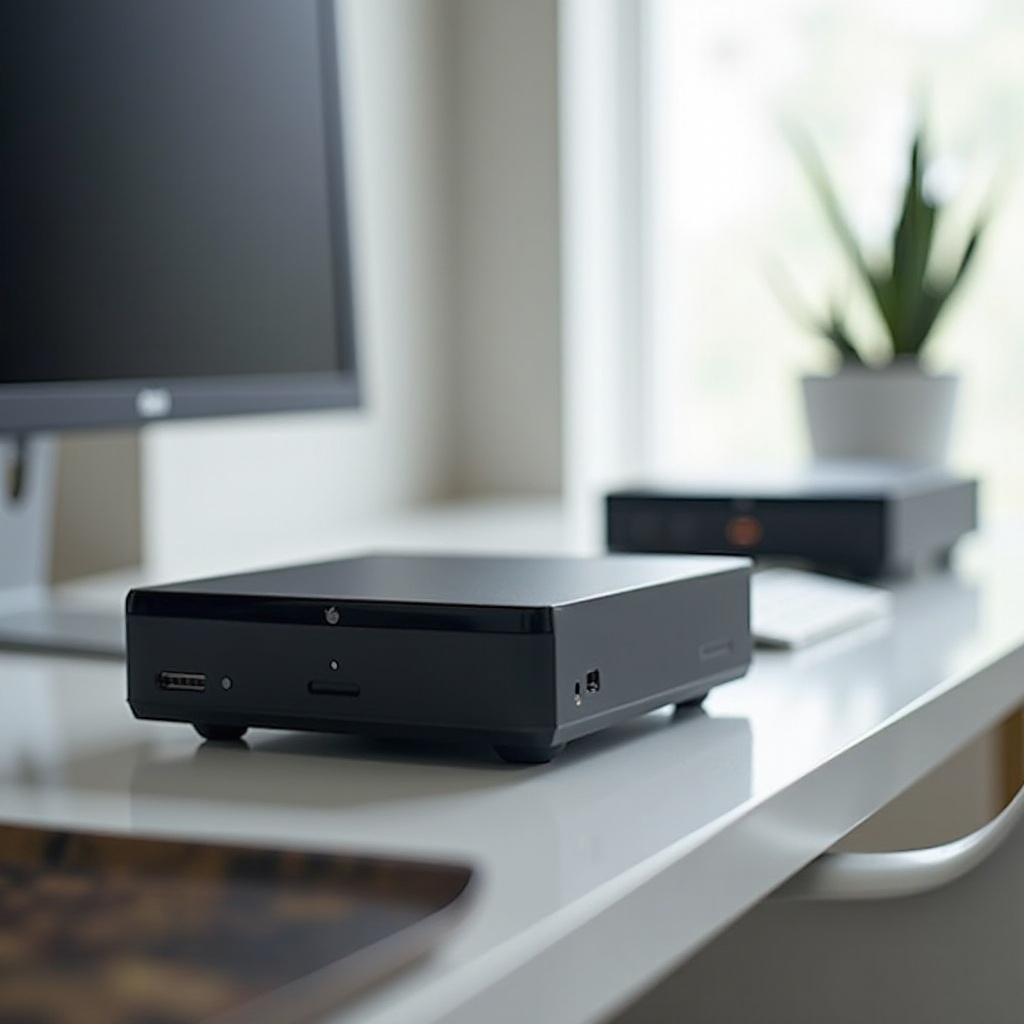
Space-Saving Design: Perfect for minimalist setups, these devices save considerable desk space without sacrificing critical functions and power.
-
Flexibility and Mobility: Thanks to their size and wireless capabilities, mini computers can easily be relocated, providing unmatched flexibility for various usage contexts.
-
Ease of Setup and Networking: Built-in WiFi simplifies the setup process by reducing cable clutter, which makes networking integration straightforward and efficient.
These benefits underline why mini computers are rising in popularity, serving as an excellent solution for modern digital needs.

How to Choose the Right Mini Computer with WiFi for You
Selecting the best mini computer requires careful evaluation of your specific requirements:
-
Assessing Your Needs: Define your primary use for the computer. High workloads may require more powerful specifications, while casual use might allow for more basic models.
-
Budget Considerations: Set a reasonable budget range, keeping in mind that more expensive models often offer enhanced performance and connectivity features.
Evaluating these factors will help you make an informed decision, ensuring that you choose a mini computer that aligns with your technological requirements and financial means.
Setting Up Your Mini Computer WiFi Network
Proper setup guarantees optimal performance for your mini computer:
-
Basic Setup Instructions: Position the device close to your WiFi router to ensure strong signal strength. Follow manufacturer instructions for a seamless start.
-
Ensuring Network Security: Secure your network with a strong password and enable encryption. Regularly update your device’s firmware to protect against potential security threats.
These steps ensure your mini computer operates efficiently and securely within your network, enhancing your overall computing experience.
Conclusion
Mini computers with WiFi offer a harmonious blend of portability, power, and connectivity, making them invaluable for various user needs. From understanding key features to recognizing standout models and optimal setup practices, you now have the insight to select the right mini computer to complement your lifestyle. As technology advances, mini computers will continue to evolve, solidifying their place as essential tools for everyday living.
Frequently Asked Questions
What are the main uses of a mini computer with WiFi?
Mini computers are versatile and can be used for tasks like office work, streaming media, and light gaming.
Can a mini computer with WiFi handle gaming?
While mini computers can handle light gaming, more demanding titles may require a model with higher specs.
How do I optimize the WiFi performance on my mini computer?
To ensure optimal WiFi performance, position your mini computer near the router, use the latest WiFi standards, and minimize interference from other devices.