
Introduction
Gaming requires precision and adaptability. A multi-button gaming mouse offers numerous programmable buttons, enhancing gameplay by allowing quick execution of complex commands. This not only increases efficiency but also improves competitiveness in various gaming environments. Let’s explore what makes the best multi-button gaming mouse and the essential considerations when purchasing one.
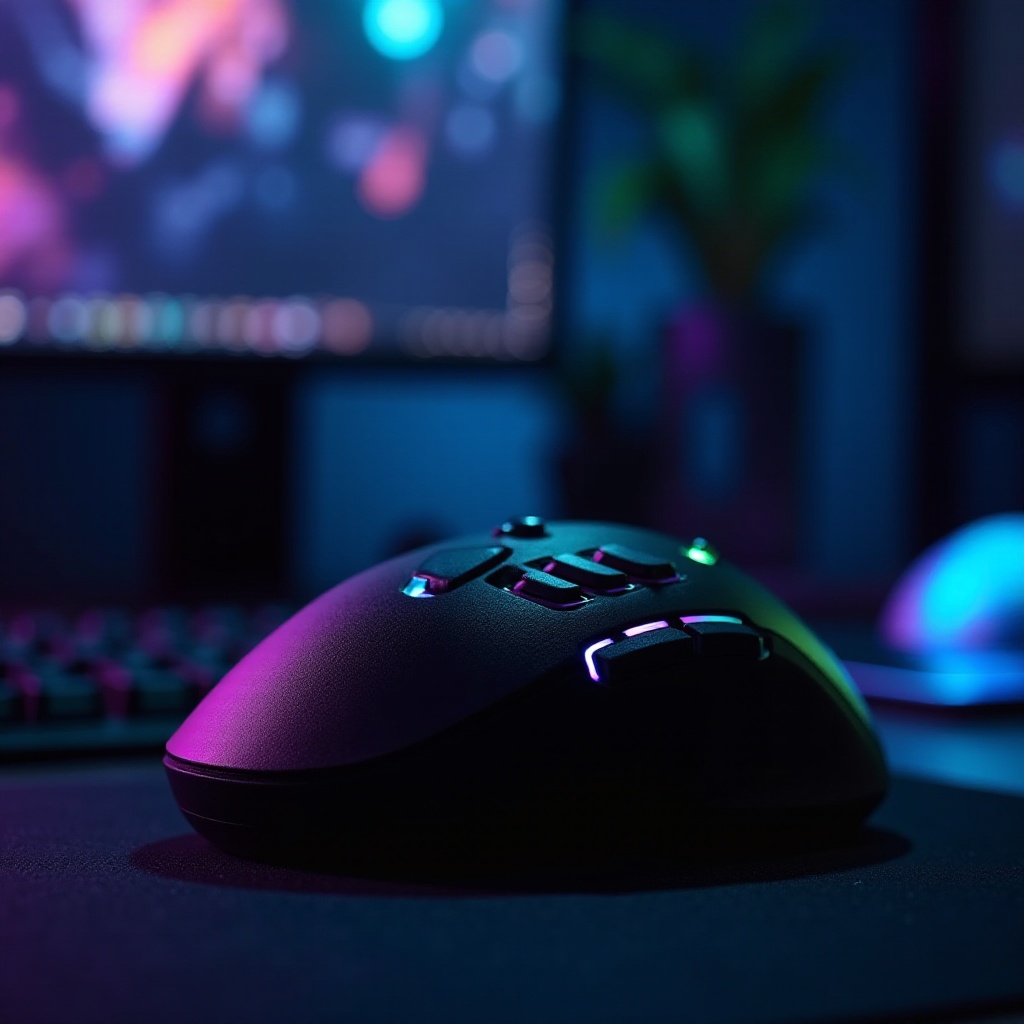
Why Multi-Button Gaming Mice are Essential for Gamers
The need for efficiency and streamlined control in gaming has made multi-button mice indispensable. Their design enables swift access to complex in-game functions, giving gamers a competitive edge. Unlike traditional mice, these devices offer extensive customization, catering to diverse gaming preferences. Whether engaged in MMOs, RPGs, or strategy games, this added functionality can be crucial to success.
Key Features to Consider When Buying
When selecting a multi-button gaming mouse, focus on:
– Button Layout and Accessibility: Ensure buttons are easy to reach without causing strain. Ergonomic design is crucial for extended gameplay comfort.
– Sensor Precision and DPI: A high DPI setting is essential for responsive gameplay, allowing fine-tuned accuracy and control. Invest in a mouse with a well-rated sensor to manage high-speed movements precisely.
– Weight and Balance: The mouse weight influences handling; some models come with adjustable weights for optimal comfort and precision.
These features collectively enhance your gaming experience and can significantly impact gameplay outcomes.
Top Multi-Button Gaming Mice of 2024
This year brings forward cutting-edge mice designed to meet various gaming needs:
– Logitech G502 HERO: Known for its reliability and accuracy, the G502 HERO offers a comfortable design with customizable buttons, ideal for extended play sessions.
– Razer Naga Trinity: Offers unique versatility with interchangeable side panels catering to different gaming genres. Its build quality and customization options justify its higher price.
– Corsair Scimitar RGB Elite: Targeting MMO gamers, it features an adjustable key slider system for personalized button reach, enhancing comfort during play.
– SteelSeries Aerox 9 Wireless: Lightweight and built for speed, this wireless option reduces desk clutter while maintaining low latency
– Redragon M901 Perdition: Combines affordability with solid performance, boasting a high DPI range and ergonomic design, an excellent choice for budget-conscious gamers.
The ideal mouse varies by game genre and personal preference, but these top picks offer robust options for gamers.
Comparing Wired and Wireless Gaming Mice
Choosing between wired and wireless options depends on personal preference and setup limitations.
– Pros and Cons of Wired Mice: They offer stable connectivity with minimal latency, crucial for competitive play. However, they may introduce desk clutter and restrict movement due to cables.
– Pros and Cons of Wireless Mice: Wireless mice provide freedom of movement and a tidier setup. Advancements have lessened the latency concerns, making them a viable option for serious gamers. Battery life remains a consideration, with newer models providing extended usage.
Evaluating these factors will help determine which type aligns with your gaming style.
Tips to Maintain Your Gaming Mouse for Longevity
Maintenance is key to ensuring longevity:
1. Regularly clean the sensor and mouse surface to ensure optimal performance.
2. Update firmware regularly for new features and stability improvements.
3. Consider investing in a protective case for travel, reducing damage risk.
These practices help sustain performance, maximizing your investment over time.
Conclusion
A multi-button gaming mouse is a vital tool in any gamer’s arsenal, offering increased functionality and customization. By considering key features and understanding the differences between top models, you can enhance your gaming sessions substantially. Remember to maintain your equipment to extend its lifespan, ensuring you get the best value and enjoyment from your multi-button mouse.
Frequently Asked Questions
What is the best multi-button gaming mouse for FPS games?
For FPS games, the Logitech G502 HERO is highly recommended due to its precise sensor and customizable controls.
How does DPI affect gaming performance?
DPI determines the sensitivity of the mouse. Higher DPI settings enable quicker screen movements with less hand effort, beneficial for rapid gameplay.
Can I customize the buttons on any multi-button gaming mouse?
Most multi-button mice include software for button customization, allowing you to tailor functions to your gaming needs.