Introduction
Transform your TV viewing by delving into calibration, a process that turns average watching into a dynamic visual delight. Calibration ensures that colors are true-to-life, images are sharp, and overall picture quality is at its best. Whether you’re a movie buff or just looking for a better viewing experience, mastering TV calibration is essential. This guide will lead you through foundational concepts and easy steps to elevate your screen quality, whether you’re using professional tools or a home-based approach.
Understanding TV Calibration Basics
To achieve the best picture quality, it’s crucial to grasp the basics of TV calibration. This process involves tweaking settings like brightness, contrast, color, and sharpness to meet specific standards rather than sticking with bright showroom presets.
Understanding concepts such as gamma, white balance, and color temperature helps in recognizing how colors and brightness interact on your screen. This ensures your TV displays images that are vibrant yet realistic. Armed with this knowledge, you’ll be ready to move forward with precise calibration.
Necessary Tools and Preparations for TV Calibration
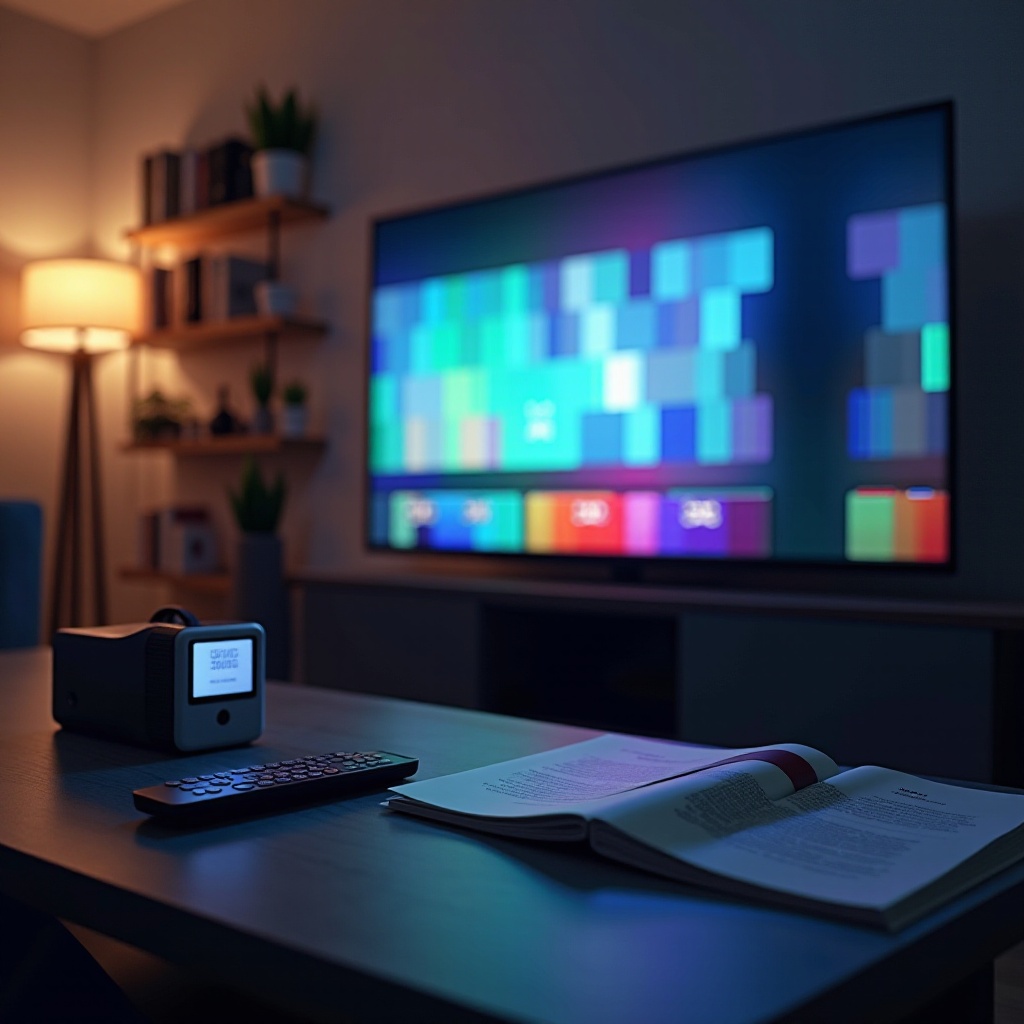
Equipping yourself with the right tools is essential before you begin calibrating your TV. A primary calibration can be achieved with minimal equipment, such as a Blu-ray calibration disc or online test patterns. For those seeking precision, investing in a light meter or specialized software may be beneficial.
Set up your environment by dimming the lights to mimic typical viewing conditions and having your remote control at hand. Ensure your TV is connected to the highest quality video source for the most accurate calibration.
Step-by-Step Guide to Calibrating Your TV
A methodical approach to calibrating your TV ensures success and thoroughness in each step.
Adjusting Brightness and Contrast
- Brightness: Begin with a black and white scene or test pattern. Adjust the brightness so that the black areas are truly black, preserving detail in shadows.
- Contrast: Use a bright scene to tweak contrast settings. Ensure bright areas are pristinely white without losing definition.
Setting Color and Tint Correctly
- Color: Employ a test pattern with primary colors. Adjust until reds, greens, and blues appear vivid but balanced.
- Tint: Normally, the default setting is sufficient, but you can adjust for accurate skin tones if necessary.
Fine-Tuning Sharpness and Detail
- Sharpness: Reduce sharpness to avoid artificial edges, aiming for a smooth transition between lines and colors.
- Detail: Calibrate using intricate patterns to keep details crisp without blurring.
By handling each of these elements, you achieve an image balance in color, depth, and sharpness, perfecting your viewing experience.
Common Mistakes in TV Calibration and How to Avoid Them
Many common pitfalls can occur during calibration that impact the viewing experience. Avoid excessive adjustments in contrast and sharpness, which can lead to unrealistic images. Additionally, Dynamic or Vivid settings often inflate colors unnecessarily.
Calibration should be performed for all input sources, ensuring cable, streaming, or gaming interfaces are optimized. Always calibrate under regular lighting conditions to prevent imbalances in display quality.
Professional Calibration vs. DIY: What You Need to Know
Deciding between professional or DIY calibration depends on your setup and budget. Professional calibrators use specialized tools for precise tuning, ideal for high-end theater systems.
Conversely, DIY methods are cost-effective and allow for continual adjustments as viewing conditions change. Assess your specific needs to determine the best approach for your TV.
Tips for Maintaining Optimal Picture Quality
Consistent picture quality requires regular maintenance post-calibration. Clean your TV screen frequently to enhance brightness and clarity. Maintain even room lighting with options like blackout curtains or diffused lighting.
Keep your TV’s firmware updated for optimal performance and periodically revisit settings to cater for changes in lighting or source. Doing so ensures a sustained viewing standard.
Conclusion
Attaining top picture quality necessitates a sound understanding of calibration principles and a tactic-oriented method to refining TV settings. Whether you choose a DIY route or professional expertise, your reward is a richer viewing experience with true-to-life visuals. Calibration breathes new life into everyday content and enriches special moments with superior image quality.
Frequently Asked Questions
How often should I calibrate my TV?
Calibrate your TV at least annually or when significant changes occur in room lighting or viewing habits.
Can I use my TV’s presets for calibration?
Presets like Movie or Cinema modes offer improvements, but manual calibration is best for tailored results.
Is professional calibration worth the cost?
Professional calibration may be worthwhile for high-end TVs or home theaters, while DIY is sufficient for most users.